

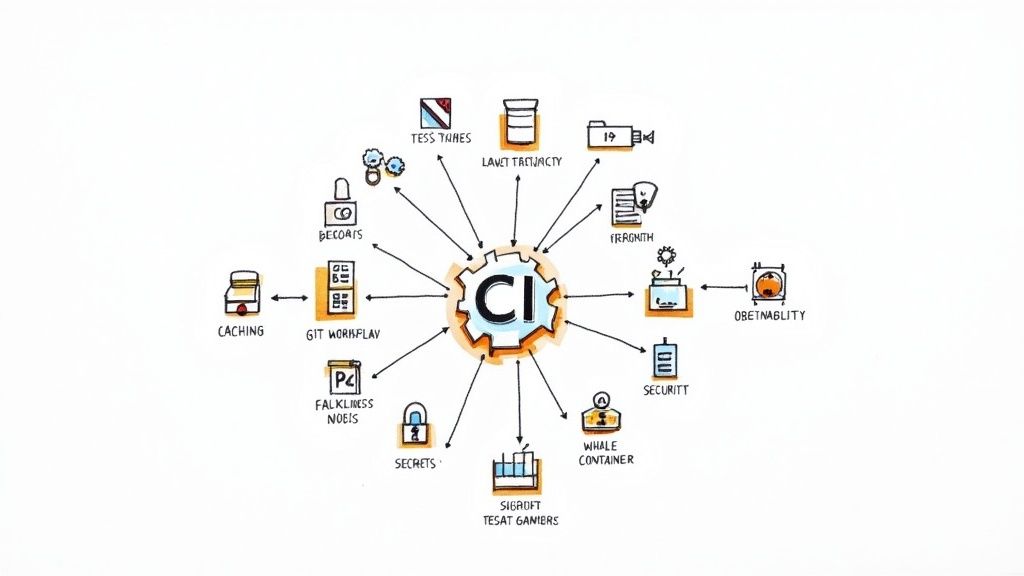
I once watched a startup's entire deployment grind to a halt for a full day. The cause? A tiny, untested dependency change that snowballed into a cascade of failures. It was a classic 'works on my machine' tragedy that cost them momentum and morale, a silent battle fought in the heart of their pipeline.
That experience taught me a hard lesson: a Continuous Integration (CI) pipeline isn't just an automation tool; it is the central nervous system of your engineering team. When it is healthy, you move fast and with confidence. When it is neglected, it becomes a source of constant friction, a tangled mess of slow builds, flaky tests, and deployment anxiety. This journey is about transforming that pipeline from a point of pain into a source of power.
So, let's cut through the noise and get into a prioritized, actionable roundup of continuous integration best practices. We're moving beyond the generic advice to give you practical, battle tested strategies tailored for modern tech stacks like Django, Next.js, and containerized deployments. You will learn not just what to do, but how and why, with specific insights on pipeline design, test strategy, security, and performance optimization.
We will explore ten critical pillars, from mastering automated testing and build artifact management to integrating Infrastructure as Code and optimizing parallel execution. Each point is designed to help you build a resilient, efficient, and observable system. The goal is to equip you with the knowledge to create a CI process that doesn't just run code, but actively accelerates your team's ability to ship high quality software reliably. Let's get started.
1. Automated Testing in CI Pipelines
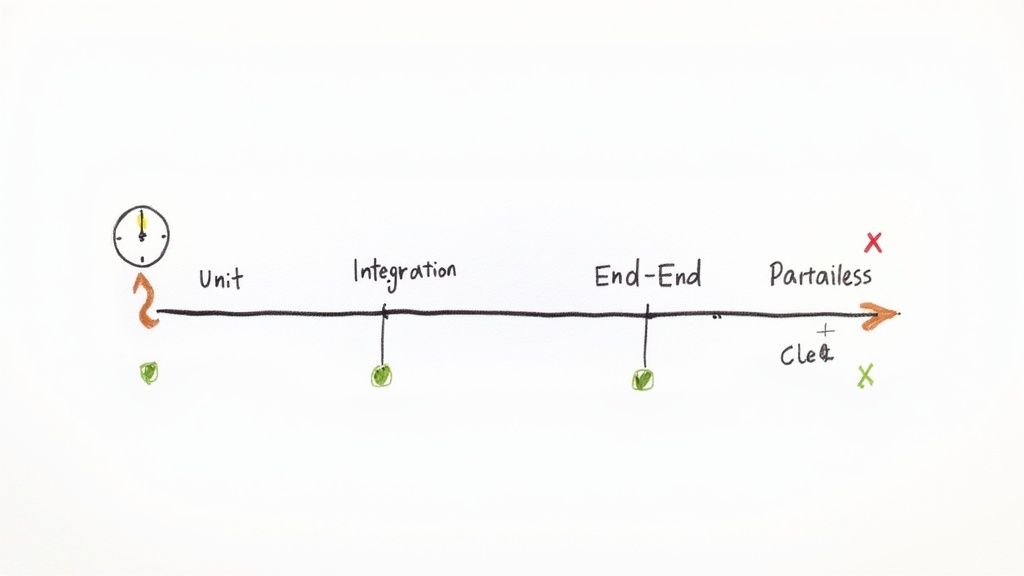
Automated testing is the absolute bedrock of any serious continuous integration practice. It's the disciplined process of running your test suites automatically every time new code is committed, ensuring that new features don't break existing ones and that quality remains high. This automated safety net catches bugs early, long before they can reach production, preventing costly rollbacks and preserving user trust. Think of it as a vigilant gatekeeper that validates every single change.
This isn't just some theoretical ideal; it's a proven strategy used by elite engineering teams. Netflix, for instance, relies on extensive automated testing to manage thousands of microservices, while Google runs billions of test cases daily to maintain its complex codebase. For a startup or scale up, implementing this practice means shipping features faster and with greater confidence. By automating tests, you transform quality assurance from a manual, time consuming bottleneck into a seamless, integrated part of your development workflow.
Actionable Tips for Implementation
To make this one of the most effective continuous integration best practices in your arsenal, start small and build momentum.
- Prioritize and Stage Your Tests: Begin with fast running unit tests that cover critical business logic. As your pipeline matures, introduce integration tests for component interactions and, finally, end to end tests for user workflows. Run the quickest tests first to fail fast.
- Balance Coverage with Speed: Striving for 100% test coverage can lead to slow, brittle test suites. Instead, focus on high value tests that cover critical paths and complex logic. The goal is maximum confidence with minimum execution time.
- Manage Test Data: Use fixtures and dedicated test data management tools to create consistent, predictable environments for your tests. This avoids flaky tests caused by inconsistent state.
Adopting a strategic approach to automation is key. For a deeper look into structuring your tests for success, you can learn more about test automation best practices that won't make you want to flip your desk.
2. Commit Based Triggering and Early Feedback
Commit based triggering is the heartbeat of continuous integration, converting a static codebase into a dynamic, self validating system. This practice automatically launches your CI pipeline the instant a developer pushes a new commit to the repository. The core principle is simple but powerful: shorten the feedback loop to its absolute minimum. Instead of waiting for a nightly build or manual trigger, developers receive feedback on their changes within minutes, allowing them to fix integration issues while the context is still fresh in their minds.
This immediate validation transforms the development process from a series of isolated coding sessions into a collaborative, real time integration effort. Top performing companies like eBay and Flickr pioneered this approach to manage rapid, large scale development, proving its value in reducing merge conflicts and preventing the dreaded "integration hell." For a fast moving startup, this means less time spent debugging broken builds and more time shipping valuable features. Implementing this practice ensures that your main branch remains stable and always in a deployable state.
Actionable Tips for Implementation
To make this one of the most effective continuous integration best practices you can adopt, focus on intelligent configuration and clear communication.
- Configure Branch Specific Rules: Not every branch needs to run the full deployment pipeline. Configure your CI tool (like GitHub Actions or GitLab CI/CD) to run comprehensive test suites on
mainand feature branches, while perhaps only running linters and unit tests on experimental or personal branches to conserve resources. - Implement Clear Notification Channels: A failed build is only useful if the right person knows about it immediately. Integrate your CI system with Slack or Microsoft Teams to send targeted, actionable alerts directly to the developer who committed the breaking change.
- Provide Pipeline Status Dashboards: Transparency is key. Use a dashboard to give the entire team a real time view of the pipeline's health. This visibility fosters collective ownership of the build status and helps identify recurring bottlenecks or flaky tests.
By building a system that reacts instantly to every change, you create a development culture that prioritizes stability and speed, catching problems before they can escalate.
3. Build Artifacts Management and Versioning
Proper artifact management is the practice of systematically handling the outputs of your build process, such as compiled binaries, libraries, or container images. It involves giving each artifact a unique version, storing it in a secure and reliable repository, and controlling who can access it. This discipline ensures that every deployment is reproducible and traceable, eliminating the "it worked on my machine" problem. Think of it as a library for your software, where every book has a clear version and can be checked out for any environment, from staging to production.
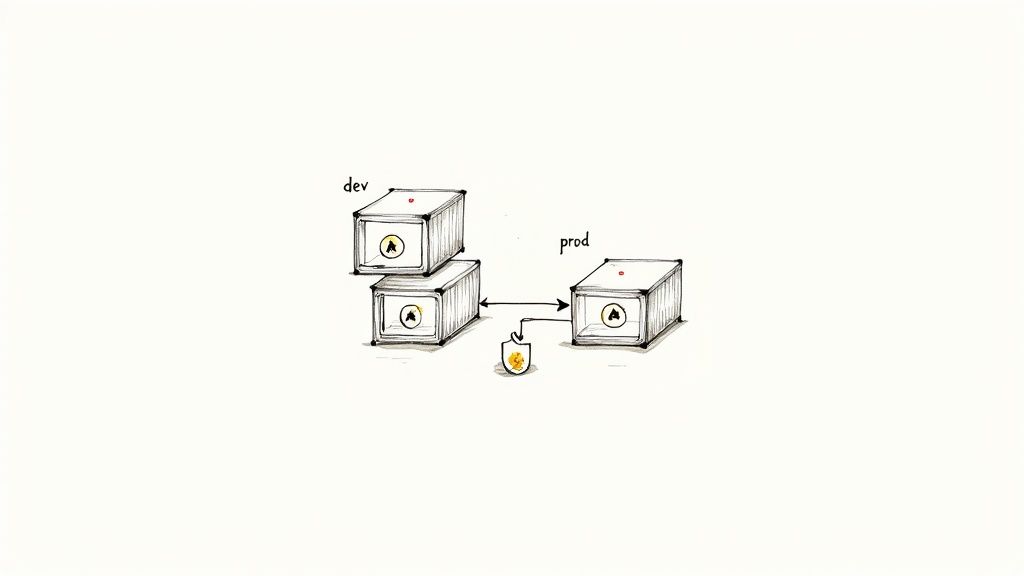
This isn't just about tidy housekeeping; it's a critical component of a mature DevOps workflow. The entire Docker containerization movement is built on the principle of immutable, versioned artifacts (images) managed through registries like Docker Hub. Similarly, communities around Maven and Gradle have long relied on repositories like Maven Central for dependency management. For a startup, adopting this practice means you can confidently roll back to a specific version, trace a bug to the exact build that produced it, and ensure consistency across all your deployment environments.
Actionable Tips for Implementation
To make this one of the most effective continuous integration best practices for your team, focus on consistency and automation.
- Use Semantic Versioning: Consistently apply semantic versioning (Major.Minor.Patch) to your artifacts. This provides a clear, universal language for understanding the impact of changes and managing dependencies.
- Embed Build Metadata: Tag each artifact with crucial metadata like the Git commit hash, build timestamp, and the CI job that produced it. This creates an auditable trail linking your built software directly back to its source code.
- Automate Cleanup Policies: Implement automated policies in your artifact repository to prune old or unused artifacts. This prevents storage costs from spiraling and keeps your repository easy to navigate.
- Secure Your Repositories: Treat your artifact repository like a vault. Use strong authentication, role based access control, and vulnerability scanning to ensure that only trusted code makes its way into your deployments.
4. Code Quality Analysis and Static Analysis Gates
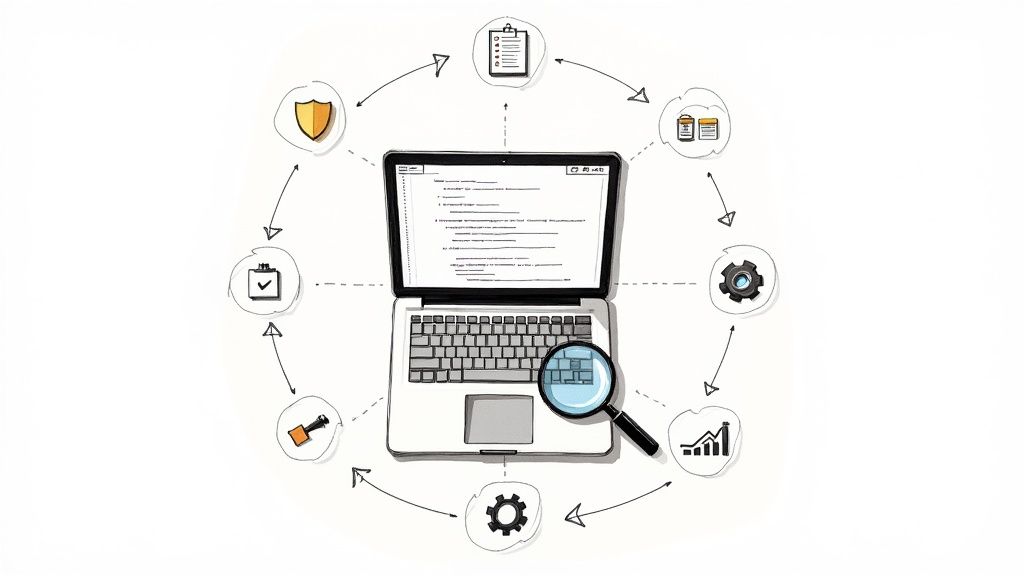
Integrating code quality checks directly into your CI pipeline is like having an experienced senior developer review every single line of code before it even gets considered for merging. This practice automates the enforcement of coding standards, security policies, and style guides using static analysis tools. By setting up "quality gates," you create an automated checkpoint that prevents code with high complexity, potential bugs, or security vulnerabilities from proceeding, ensuring your codebase remains clean, maintainable, and secure.
This isn't just about nitpicking style; it's a fundamental strategy for managing technical debt and bolstering security at scale. Companies like Airbnb use SonarQube to maintain code health across hundreds of projects, while platforms like GitHub have embedded CodeQL to proactively identify security flaws. For a startup, establishing these gates early means you can scale your team and your product without letting code quality degrade. It transforms code review from a subjective, manual chore into an objective, automated process that upholds standards consistently.
Actionable Tips for Implementation
To make automated analysis one of the most impactful continuous integration best practices for your team, focus on gradual adoption and clear feedback.
- Start with a Baseline: Don't aim for perfection immediately. Run an initial scan to establish your current code quality metrics, then set achievable, incremental goals for improvement. This prevents overwhelming developers with a mountain of initial violations.
- Configure Meaningful Gates: A quality gate should be strict enough to catch real issues but not so restrictive that it blocks all development. Focus on critical metrics first, like new security vulnerabilities or major code smells on new code.
- Provide Clear Remediation Guidance: When a pipeline fails at a quality gate, the tool should provide a direct link to the offending code and a clear explanation of why it failed and how to fix it. This turns a frustrating failure into a valuable learning opportunity.
- Run Analysis in Parallel: To keep your pipeline fast, run static analysis concurrently with other stages like unit testing. This ensures that quality checks don't become a bottleneck in your feedback loop.
Adopting automated quality gates is a proactive investment in your codebase's future. For those particularly focused on security, you can explore a range of essential application security testing tools for 2025.
5. Containerization and Environment Consistency
Containerization is the practice of bundling an application and its dependencies into a single, isolated package called a container. This approach solves the age old "it works on my machine" problem by ensuring that development, testing, and production environments are identical. By using tools like Docker, you create a portable and predictable runtime, making your CI pipeline more reliable and your deployments smoother. Think of it as a standardized shipping container for your software, ensuring it behaves the same way everywhere.
This method has become a cornerstone of modern software development, championed by tech giants for its efficiency and scalability. Spotify leverages containerization to manage its vast microservices architecture, enabling rapid and consistent deployments. Similarly, Google Cloud Run is built entirely around containerized workloads, highlighting the industry's shift towards this paradigm. Adopting containerization means you spend less time debugging environment specific issues and more time delivering value.
Actionable Tips for Implementation
To properly integrate this into your set of continuous integration best practices, focus on creating optimized and secure container images from day one.
- Optimize Your Images: Start with official, minimal base images (like
python:3.11 slim) to reduce size and attack surface. Use multi stage builds to separate build time dependencies from your final production image, resulting in a lean, secure artifact. - Secure Your Supply Chain: Regularly scan your container images for known vulnerabilities using tools like Snyk or Trivy directly in your CI pipeline. Tag images with commit hashes and version numbers to ensure traceability from code to deployment.
- Cache Layers Effectively: Configure your CI tool to cache Docker layers between runs. This dramatically speeds up build times, as only the layers that have changed need to be rebuilt, providing faster feedback to your team.
A well crafted container strategy is fundamental to achieving true environment parity. For a detailed walkthrough on setting up your first container, you can explore this Docker setup guide that's as epic as a Hollywood blockbuster.
6. Pull Request and Code Review Integration
Integrating CI pipelines directly into your pull request (PR) workflow transforms code review from a subjective discussion into an objective, automated quality gate. This practice ensures that every proposed change is automatically vetted against a predefined set of standards, such as passing tests and linters, before a human reviewer even begins their assessment. It acts as a mandatory checkpoint, preventing code that breaks the main branch from ever being merged.
This isn't just a nice to have feature; it's a core tenet of modern DevOps embraced by companies like GitHub and GitLab, who built these workflows into their platforms. For a startup, this means enforcing consistency and quality automatically, freeing up senior developers from the chore of catching basic errors. By making CI status checks a prerequisite for merging, you build a powerful safety net that protects your production environment and institutionalizes your quality standards.
Actionable Tips for Implementation
To make this one of the most impactful continuous integration best practices for your team, focus on seamless integration and clear communication.
- Require CI to Pass: Use branch protection rules in platforms like GitHub, GitLab, or Azure DevOps to make passing CI status checks a non negotiable condition for merging a PR. This is your first and most important line of defense.
- Keep Checks Fast: The feedback loop for a developer should be short. Aim for your PR validation pipeline to complete in under 10 minutes. A slow pipeline discourages small, frequent commits and creates a frustrating bottleneck.
- Provide Clear Failure Messages: When a check fails, the output should immediately tell the developer what went wrong and how to fix it. Link directly to logs, highlight the failed test, or suggest a specific command to run locally to reproduce the error.
Adopting this practice shifts quality assurance left, making it an integral part of the development process rather than an afterthought. For a comprehensive guide on structuring these interactions, explore these code review best practices that actually work.
7. Infrastructure as Code (IaC) in CI Pipelines
Infrastructure as Code (IaC) is the revolutionary practice of managing and provisioning your entire technology stack through code, rather than through manual configuration. This means your servers, load balancers, databases, and network settings are defined in version controlled files. By integrating IaC into your CI pipeline, you treat your infrastructure with the same rigor as your application code, creating a unified, automated, and repeatable deployment process from a single source of truth.
This approach transforms infrastructure management from a slow, error prone manual task into a core part of your development lifecycle. HashiCorp, the creators of Terraform, has championed this model, enabling companies to codify complex cloud environments. Similarly, major cloud providers like AWS offer native solutions like CloudFormation. For startups and scale ups, IaC means you can spin up, tear down, and replicate entire staging or production environments with a single command, ensuring consistency and dramatically accelerating your release cycles. As data centers grow in complexity, IaC provides the programmatic control needed for CI pipelines, directly addressing the demands brought by the evolution of data center infrastructure.
Actionable Tips for Implementation
To make this one of the most powerful continuous integration best practices in your setup, focus on consistency and safety from day one.
- Co locate Your Code: Whenever possible, store your infrastructure code (e.g., Terraform or CloudFormation files) in the same repository as the application it supports. This creates a tight link between the application and its environment, simplifying rollbacks and reviews.
- Test Your Infrastructure: Implement automated checks for your IaC. Tools like
terratestfor Terraform orcfn-lintfor CloudFormation can validate your configurations before they are ever applied, catching syntax errors and policy violations early in the pipeline. - Use State Locking: For tools like Terraform that maintain a state file, always enable remote state management with locking (e.g., using an S3 bucket with DynamoDB). This is critical for team collaboration, preventing multiple pipeline runs from corrupting your infrastructure's state.
8. Parallel Execution and Pipeline Optimization
Parallel execution is the practice of running independent tasks in your CI pipeline simultaneously rather than one after another. This simple shift from a sequential, single file line to a multi lane superhighway can dramatically slash your pipeline's total run time. Instead of waiting for unit tests to finish before starting a linter, or building a Docker image before running security scans, you run them all at once. This provides faster feedback to developers, which is the entire point of continuous integration.
This strategy is a cornerstone of modern DevOps, essential for keeping pace in rapid development cycles. High performing teams at companies like GitLab and GitHub have engineered their platforms around this very principle, offering features like matrix builds and parallel jobs as first class citizens. For a growing startup, optimizing pipeline speed isn't a luxury; it's a competitive advantage. Faster pipelines mean quicker iterations, faster bug fixes, and a more productive engineering team, making this one of the most impactful continuous integration best practices you can implement.
Actionable Tips for Implementation
To harness the power of parallelism, you need to identify and orchestrate your independent jobs effectively.
- Identify Independent Tasks: Scrutinize your pipeline for jobs that don't depend on each other's output. Common candidates include linting, unit testing, security scanning, and building container images. These can almost always run in parallel.
- Use Matrix Builds for Multi Configuration Testing: If you need to test your application against multiple versions of a language, database, or operating system, use your CI tool's matrix feature. This will automatically spin up parallel jobs for each combination, like in GitHub Actions or GitLab CI/CD.
- Distribute Large Test Suites: Don't run your entire test suite on a single agent. Split your tests into smaller, evenly sized chunks (a practice known as test splitting or sharding) and distribute them across multiple parallel runners to drastically reduce test execution time.
- Implement Fail Fast Strategies: Configure your pipeline to immediately stop all parallel jobs as soon as one fails. This prevents wasting compute resources on a build that is already guaranteed to be unsuccessful.
9. Deployment Pipeline Staging and Approval Gates
A CI pipeline that dumps code directly into production is like a highway with no off ramps; it's fast, but a single mistake leads to a catastrophic pileup. Deployment staging and approval gates introduce critical checkpoints into this process. This practice involves creating a multi stage pipeline (e.g., development, staging, production) where code progression is halted until specific quality and security criteria are met, often requiring manual or automated sign off. It's the disciplined, structured approach that separates rapid, reckless deployments from rapid, reliable ones.
This methodology is essential for maintaining stability in complex systems. Amazon's famous canary deployment practices are a form of staged rollout, exposing new code to a small subset of users before a full release. Similarly, Spotify manages its massive microservices architecture with a sophisticated pipeline featuring multiple validation stages. For a startup, implementing this practice means balancing agility with stability, ensuring that your quest for speed doesn't compromise the user experience or introduce business crippling bugs. This is one of the most vital continuous integration best practices for maturing a development lifecycle.
Actionable Tips for Implementation
To build a robust deployment pipeline with effective gates, you need a clear strategy that aligns with your team's workflow and risk tolerance.
- Define Measurable Approval Criteria: Don't rely on gut feelings. Establish concrete, verifiable criteria for promoting a build. This could include passing all integration tests, achieving a certain performance benchmark, or receiving a sign off from the QA team. Tools like GitHub Actions environments allow you to codify these rules directly.
- Automate Gates with Metrics: Whenever possible, replace manual approvals with automated ones based on real time data. For example, a deployment to production could be automatically approved if monitoring tools show zero new errors and a stable latency profile in the staging environment for a set period.
- Implement Canary Deployments: Instead of a big bang release, use a canary strategy to deploy to a small percentage of your production traffic first. This minimizes the "blast radius" of any potential issues, allowing you to observe real world impact and roll back safely if needed.
10. Monitoring, Alerting, and Feedback Integration
A CI pipeline that goes silent after a successful deployment is a pipeline half finished. True continuous integration extends beyond the build and deploy phases, creating a feedback loop from production back to development. This involves integrating monitoring, alerting, and observability tools directly into your workflow, transforming your live environment into a source of truth that validates the quality and performance of every release. It's the practice of listening to your application after it ships, ensuring it's not just working but thriving.
This proactive approach is a cornerstone of the Site Reliability Engineering (SRE) philosophy pioneered at Google and adopted by elite teams at Netflix and Uber. For a growing startup, this means catching performance regressions or user impacting errors in real time, not waiting for support tickets to flood in. By correlating deployment events with system health metrics, you can immediately pinpoint which release introduced a problem, drastically reducing mean time to recovery (MTTR) and building a more resilient system.
Actionable Tips for Implementation
To make this one of the most impactful continuous integration best practices, you need to treat observability as a first class citizen in your development lifecycle.
- Correlate Deployments with Metrics: Use tools like Datadog, New Relic, or a Prometheus and Grafana stack to mark deployment events directly on your performance graphs. This creates a clear visual link between a code change and its impact on system health, such as CPU usage or API latency.
- Implement Structured Logging: Go beyond simple print statements. Use structured logs (e.g., JSON format) with consistent fields like
user_id,request_id, andservice_name. This makes logs searchable and allows for powerful analysis in tools like Splunk or an ELK stack, turning cryptic error messages into actionable insights. - Establish a Feedback Channel: Don't let production insights stay in the operations team. Automate the creation of tickets or Slack alerts from monitoring tools (like PagerDuty) back to the relevant development team. This closes the loop, ensuring developers see the direct consequences of their code and can prioritize fixes accordingly.
Effective monitoring also involves understanding key DevOps metrics like cycle time and lead time, which are crucial indicators for assessing pipeline efficiency and delivery performance.
10 Point Continuous Integration Best Practices Comparison
| Practice | Implementation complexity | Resource requirements | Expected outcomes | Ideal use cases | Key advantages |
|---|---|---|---|---|---|
| Automated Testing in CI Pipelines | Moderate–High (setup & maintenance) | Significant CI agents, test environments, storage | Early bug detection; improved code quality | Active development, frequent commits, microservices | Catches defects early; measurable quality metrics |
| Commit Based Triggering and Early Feedback | Low–Moderate (webhooks & rules) | High CI capacity during bursts; notification tooling | Sub minute feedback; faster fixes | Rapid iteration, feature branches, small commits | Immediate problem detection; encourages small commits |
| Build Artifacts Management and Versioning | Moderate (repositories & policies) | Artifact registries, storage, access controls | Reproducible builds; traceability across releases | Multi env deployments, binary/package distribution | Reproducibility; faster downstream deployments |
| Code Quality Analysis and Static Analysis Gates | Moderate (rule tuning & integration) | Static analysis tools, compute time, configuration | Reduced technical debt; enforced standards | Security sensitive projects, large codebases | Early quality/security checks; measurable gates |
| Containerization and Environment Consistency | Moderate–High (container + orchestration) | Container registries, orchestration clusters, images | Consistent environments; fewer environment failures | Microservices, multi env testing and deploys | Environment parity; simpler dependency management |
| Pull Request and Code Review Integration | Low–Moderate (PR checks & policies) | CI status checks, review tooling, branch protections | Higher quality entering main branch; clearer reviews | Collaborative teams, gated merge workflows | Prevents low quality merges; improves reviewer context |
| Infrastructure as Code (IaC) in CI Pipelines | High (state, tooling, safety) | IaC tools, cloud resources, state storage/locking | Reproducible infra; faster provisioning and rollback | Cloud native infra, frequent infra changes | Infrastructure versioning; automated, testable infra |
| Parallel Execution and Pipeline Optimization | Moderate–High (pipeline design) | More build agents, concurrency, orchestration | Shorter pipeline runtime; faster feedback | Large test suites, multi config builds, matrix tests | Significantly reduced build times; better utilization |
| Deployment Pipeline Staging and Approval Gates | Moderate (workflow + approvals) | Multiple environments, gating/approval tooling | Controlled rollouts; reduced production risk | Regulated systems, high risk or high traffic releases | Risk mitigation; gradual rollouts and audit trails |
| Monitoring, Alerting, and Feedback Integration | High (observability integration) | Monitoring stack, storage, alerting and on call resources | Faster incident detection and resolution; data driven rollbacks | Production critical services, distributed systems | Real time health insights; informed deployment decisions |
From Checklist to Culture
We have journeyed through a comprehensive map of continuous integration best practices, from the granular details of test strategies in Django and Next.js to the high level architecture of secure, scalable deployment pipelines. You have seen how to manage build artifacts, enforce code quality with static analysis, and ensure environment consistency with Docker. We explored the power of commit based triggers for rapid feedback, the necessity of Infrastructure as Code for predictable environments, and the performance gains from parallel execution.
The temptation, after reading a listicle like this, is to see it as a checklist, a set of technical tasks to be completed. But that perspective misses the forest for the trees. The true goal is not to simply implement these ten practices; it is to cultivate a culture where they become the natural, default way of working. This is the transition from doing CI to being a CI driven organization.
The Real Endgame: Confidence and Speed
Think about the most important takeaway from this entire discussion. It is not a specific caching strategy or a particular YAML snippet. The ultimate prize is developer confidence. When your team trusts the pipeline, they are empowered to experiment, refactor boldly, and push changes without fear. A robust CI system transforms the release process from a high anxiety, all hands on deck event into a routine, low stress operation.
This confidence directly translates into speed, not just in terms of pipeline execution time, but in your startup's ability to innovate and respond to market feedback. A finely tuned CI/CD engine, built on these continuous integration best practices, becomes your company's competitive advantage. It is the silent, reliable engine that powers your growth, enabling you to ship better features, faster, and more reliably than your competitors.
Your Actionable Next Steps
Where do you begin? Avoid the urge to boil the ocean. A complete overhaul is disruptive and often unnecessary. Instead, adopt an iterative approach, just as you would with your product.
- Start with Pain Points: Identify the single biggest bottleneck in your current development lifecycle. Is it flaky tests causing constant pipeline failures? Slow build times that frustrate developers? Manual deployment steps that are prone to human error? Target that area first.
- Pick One or Two Practices: Choose the practices from this guide that directly address your most pressing issue. If feedback loops are slow, focus on Commit Based Triggering and Parallel Execution. If you are fighting "it works on my machine" bugs, prioritize Containerization and Environment Consistency.
- Measure and Communicate: Establish a baseline metric before you start. This could be average pipeline duration, deployment frequency, or change failure rate. As you implement changes, track this metric and celebrate the improvements with your team. This creates a powerful feedback loop that builds momentum and encourages further adoption.
Mastering these concepts is a journey, not a destination. Your CI system will evolve alongside your product, your team, and your technology stack. The principles of fast feedback, automation, consistency, and security will remain your north star. By embracing these continuous integration best practices, you are not just optimizing a workflow; you are building a resilient, high performing engineering culture capable of delivering exceptional value to your users.
Navigating the complexities of building a production grade CI/CD pipeline for modern stacks can be challenging. If you are a founder or CTO looking to implement these best practices for your Django, AI, or containerized applications without the trial and error, I can help. Kuldeep Pisda offers expert consulting and hands on implementation to build scalable, secure, and efficient automation systems that accelerate your startup's growth. Learn more about how we can build your competitive advantage together.
Subscribe to our newsletter.
Become a subscriber receive the latest updates in your inbox.

Member discussion